Fornitore: Smart Sell Hub
Smart Audio Glasses with Bluetooth – Wireless Music, Calls & Voice Assistant | Stylish Sunglasses
Descrizione
Upgrade Your Everyday with Smart AI Glasses
Tired of holding your phone all day? Go hands-free with smart glasses.
Experience the future of wearable technology with these sleek and lightweight Smart AI Glasses. Designed for modern lifestyles, they connect seamlessly to your smartphone via Bluetooth, allowing you to stay connected anytime, anywhere — completely hands-free.
Whether you're traveling, working, or on the go, enjoy music, answer calls, and use real-time translation apps without ever touching your phone.
🔥 Key Features
- Hands-Free Convenience: Take calls and listen to music without holding your phone
- Translation Support: Works with mobile apps for real-time language translation
- Open-Ear Audio Design: Stay aware of your surroundings while enjoying clear sound
- Lightweight & Comfortable: Perfect for all-day wear without pressure
- Bluetooth Connectivity: Fast and stable connection with iOS & Android devices
🎯 Perfect For
- Traveling & communicating in different languages
- Daily commuting and outdoor activities
- Business calls on the go
- Listening to music safely while walking or driving
📱 Compatibility
Compatible with most smartphones including iPhone and Android devices via Bluetooth connection.
⚡ Why Choose These Smart Glasses?
Stay connected, productive, and aware — all without distractions. These smart glasses are designed to simplify your daily life while giving you a modern, stylish edge.
Upgrade your lifestyle today.
Quick Setup & Usage Guide
- Charge Before Use: Fully charge the sunglasses using the included charging cable before first use.
- Power On: Press and hold the control button until you hear the power-on prompt or see the indicator light.
- Activate Pairing Mode: When powered on for the first time, the sunglasses should automatically enter Bluetooth pairing mode.
- Connect to Your Device: Open the Bluetooth settings on your smartphone, search for available devices, and select “XG89” to connect.
- Play Music: Open your preferred music app. Use the sunglasses’ control button or your phone to play, pause, and adjust the audio.
- Answer Calls: Press the control button once to answer or end a call. Use your phone to reject a call if needed.
- Power Off: Press and hold the control button until you hear the power-off prompt or the indicator light turns off.
Helpful Tips
- Keep the sunglasses close to your phone during the initial pairing.
- If pairing fails, turn Bluetooth off and on, restart the sunglasses, and try again.
- Disconnect the sunglasses from other nearby devices before pairing them with a new device.
- Keep the charging port dry and avoid charging the product while it is wet.
Package Note: Charging cable and included accessories may vary by selected product option.
Potrebbe piacerti anche
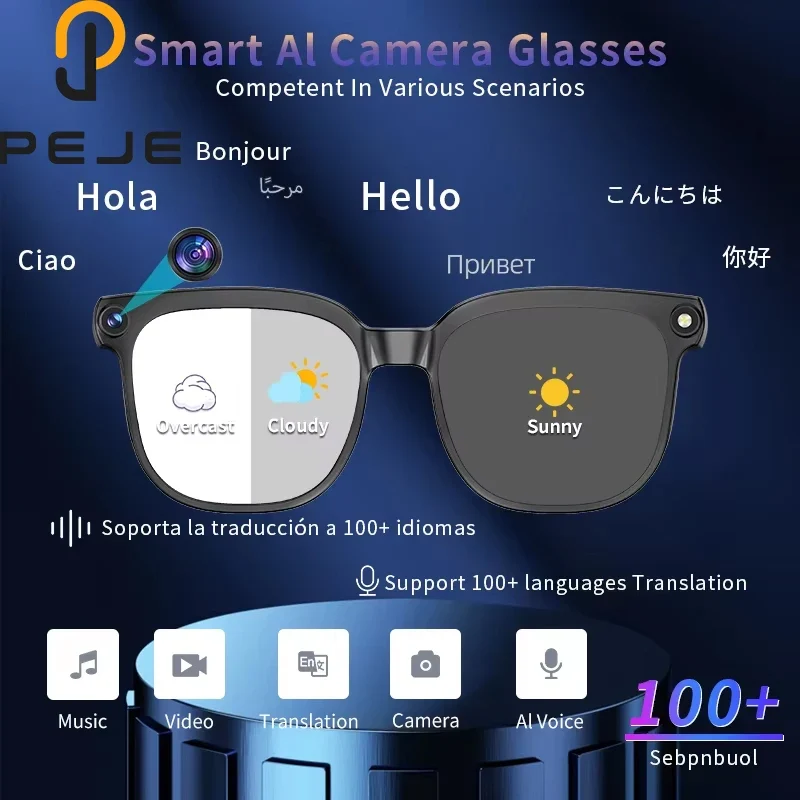 In offertaAI Smart Glasses with 1080P Camera, ChatGPT Assistant, Translation & BluetoothSmart Sell Hub
99,52 €63,08 €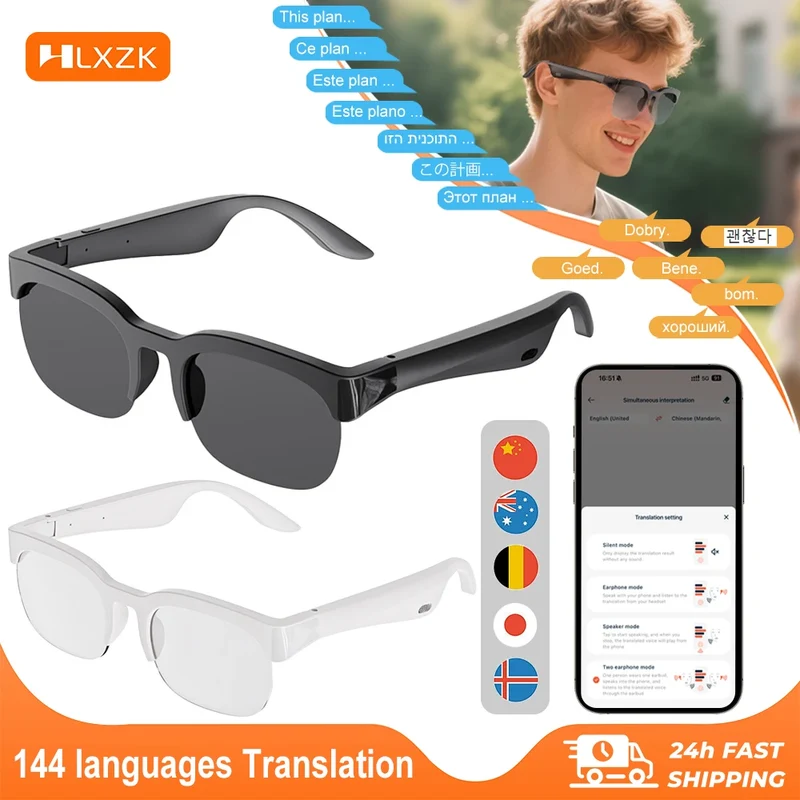 In offertaXG89 Translator Smart Glasses – 144-Language Two-Way Translation, Bluetooth Audio & Noise CancellationSmart Sell Hub
53,48 €32,64 €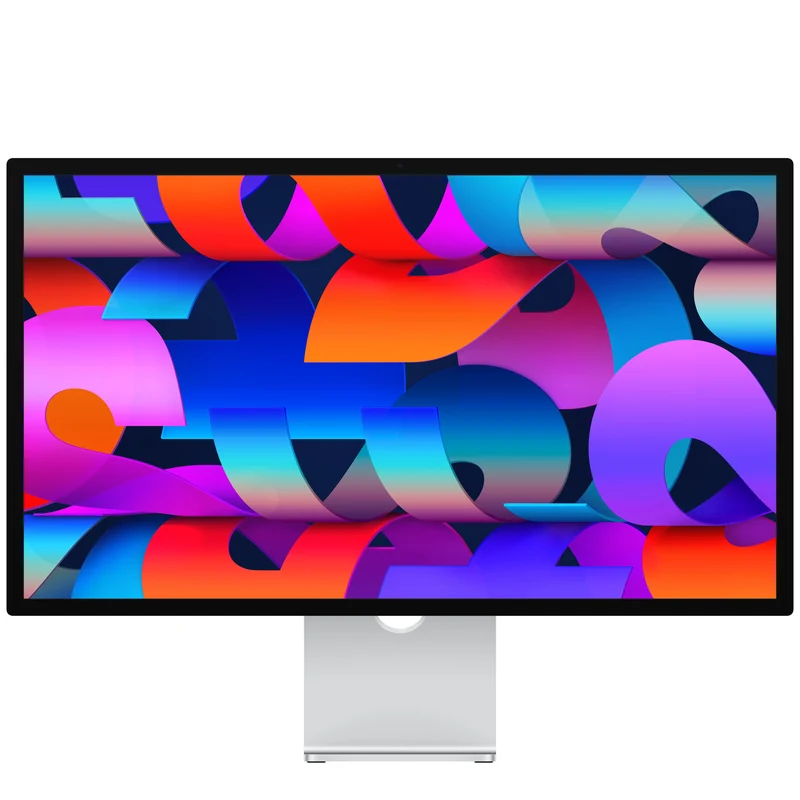 In offertaStudio DisplaySmall Dog Electronics
1394,90 €781,50 €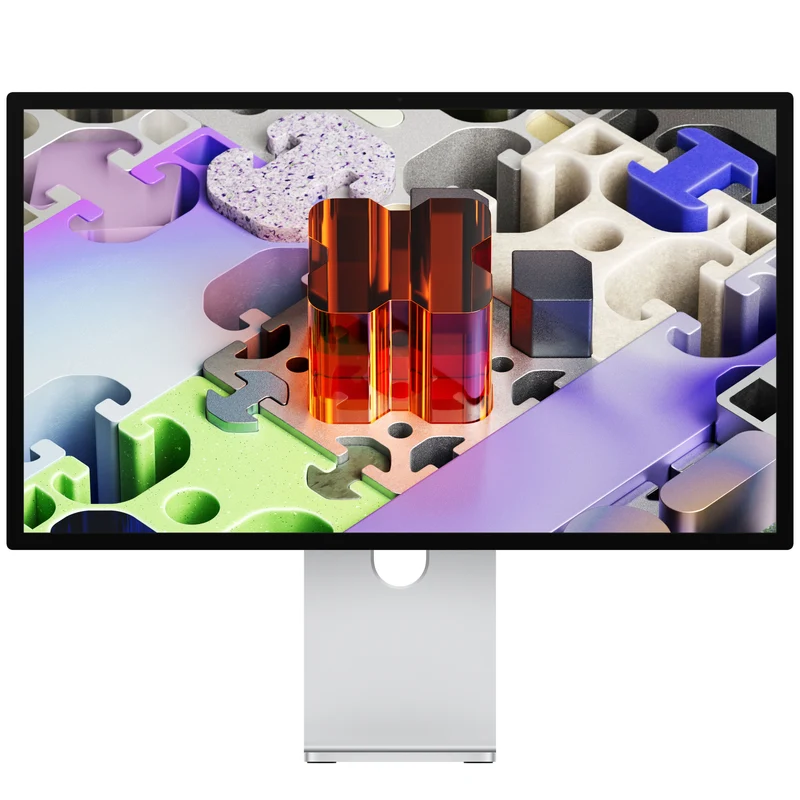 In offertaStudio Display XDRSmall Dog Electronics
2877,92 €1647,19 €